

Welcome To Lincolnshire IT, your local IT provider.

Call us, Mon to Fri, 9 to 5 – 01522 246 008
(our office is based in Louth)

To Contact Us

Email

sales@lincolnshire.it

Call Mon to Fri, 9 to 5, on

01522 246 008

What are the IMAP settings for email accounts hosted with Lincolnshire IT?

Home

To set up an email account you purchased from us on your computer or mobile phone you will need the following information:

Incoming (IMAP)

  • Server: imap.stackmail.com
  • Username: youremailaddress
  • Password: accountpassword
  • Security: SSL
  • Port: 993

Outgoing (SMTP)

  • Server: smtp.stackmail.com
  • Username: youremailaddress
  • Password: accountpassword
  • *Security: STARTTLS
  • *Port: 587

*For older email clients that do not support STARTTLS encryption you should use the following security and port settings:

  • SMTP Security: SSL
  • Port: 465

Webmail

If you wish to access your email via a web browser (Google Chrome/Microsoft Edge/Firefox), visit https://webmail.lincolnshire.it and enter your email address and password when prompted.

0 Comments

Blog Categories

Tags

LiT can help!

Do You Require Support

Related Posts

How Do I Log Into Webmail?

We provide two email services: IMAP hosted email or Microsoft Exchange as part of a Microsoft 365 plan. If you have standard IMAP hosted email, you can set this up on your computer - more instructions are here. To access your email box in a web browser, click here or...

read more
Lost Bitlocker key-No problem for LincsIT

Lost Bitlocker key-No problem for LincsIT

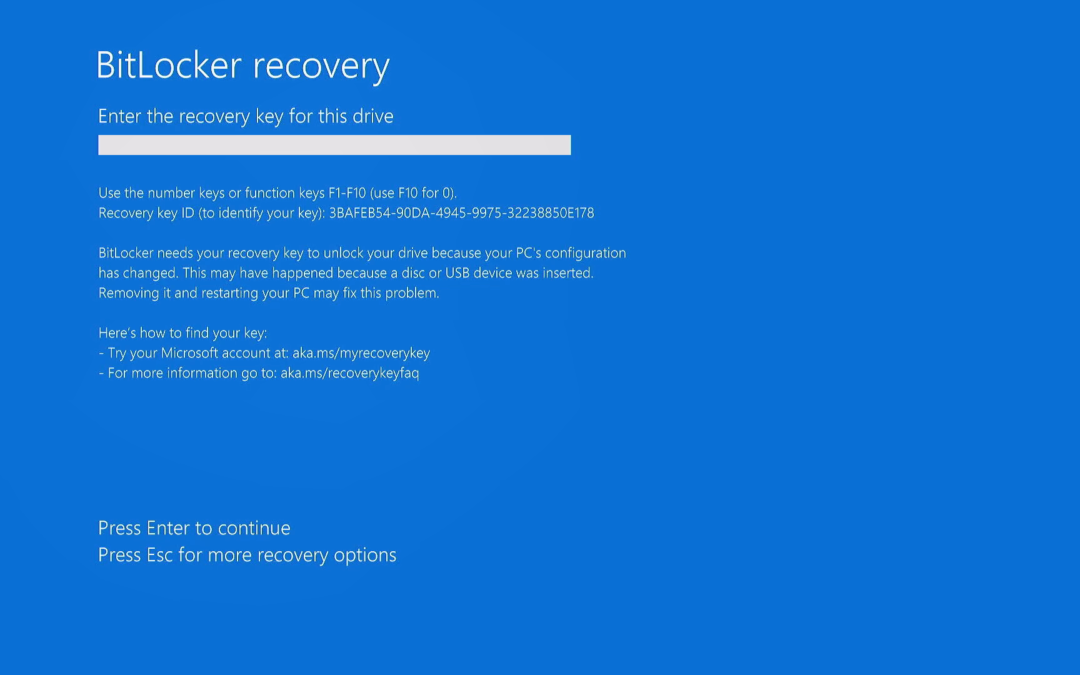
We had a laptop in recently that the customer's father had sadly passed away and they had no idea of his Microsoft login to bypass the Bitlocker screen. With perserverance we managed to reset the recovery ID and access his Microsoft account to obtain the long key...

read more